Set up your mouse the way you work
A native macOS app for customizing how your mouse and trackpad behave.
- Smooth Scrolling
- Button Mapping
- DPI and SmartShift
- Push-to-talk dictation
- Input source switching
- Ignore trackpad touches
macOS 15 or later, Apple Silicon or Intel. Release notes →
Wheel events, untouched
one jump per detent, no frames in between
Through the Standard Scroll Curve
spread over the curve you set below
Put the pointer over the panels and turn the wheel.
Both panels get the same wheel events from your mouse. The left one applies them the way your system hands them over; the right one runs them through the Scroll Curve, the same code that ships in the app. Move the sliders to reshape the curve.
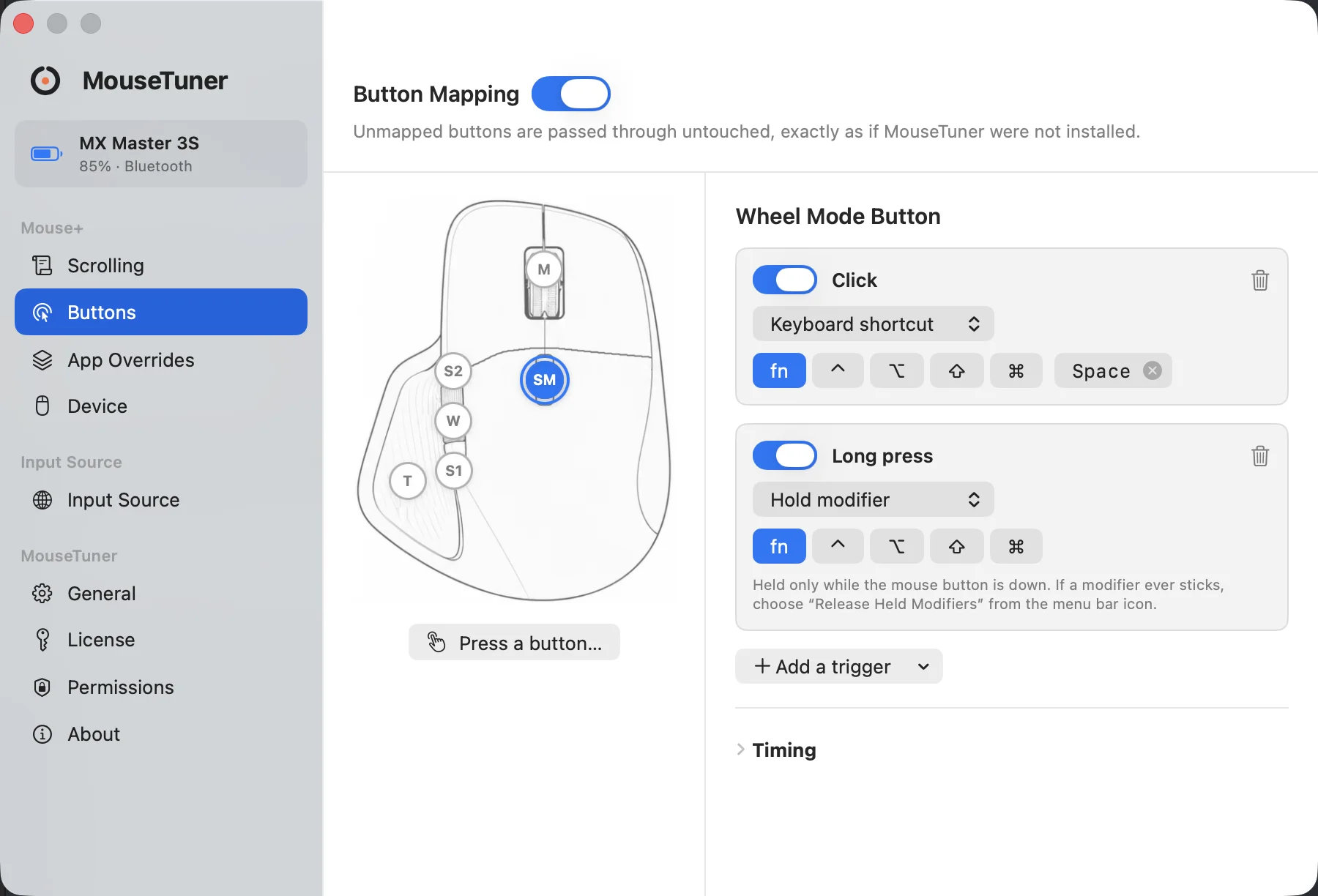
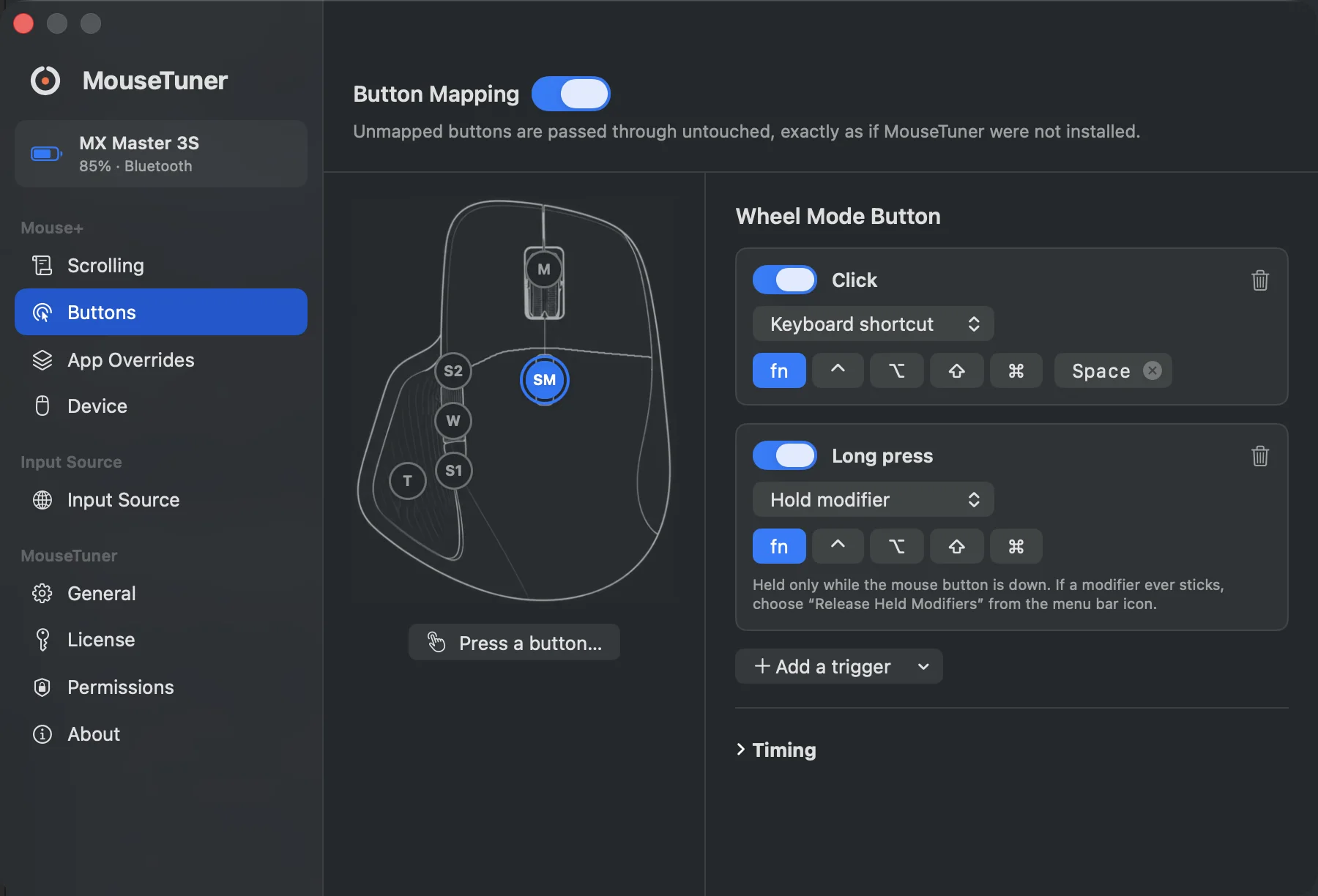
One button, a list of Triggers. Here the Wheel Mode Button sends a keyboard shortcut on click and holds a modifier down on long press. Those are two separate mappings, so a short press never fires the long one.
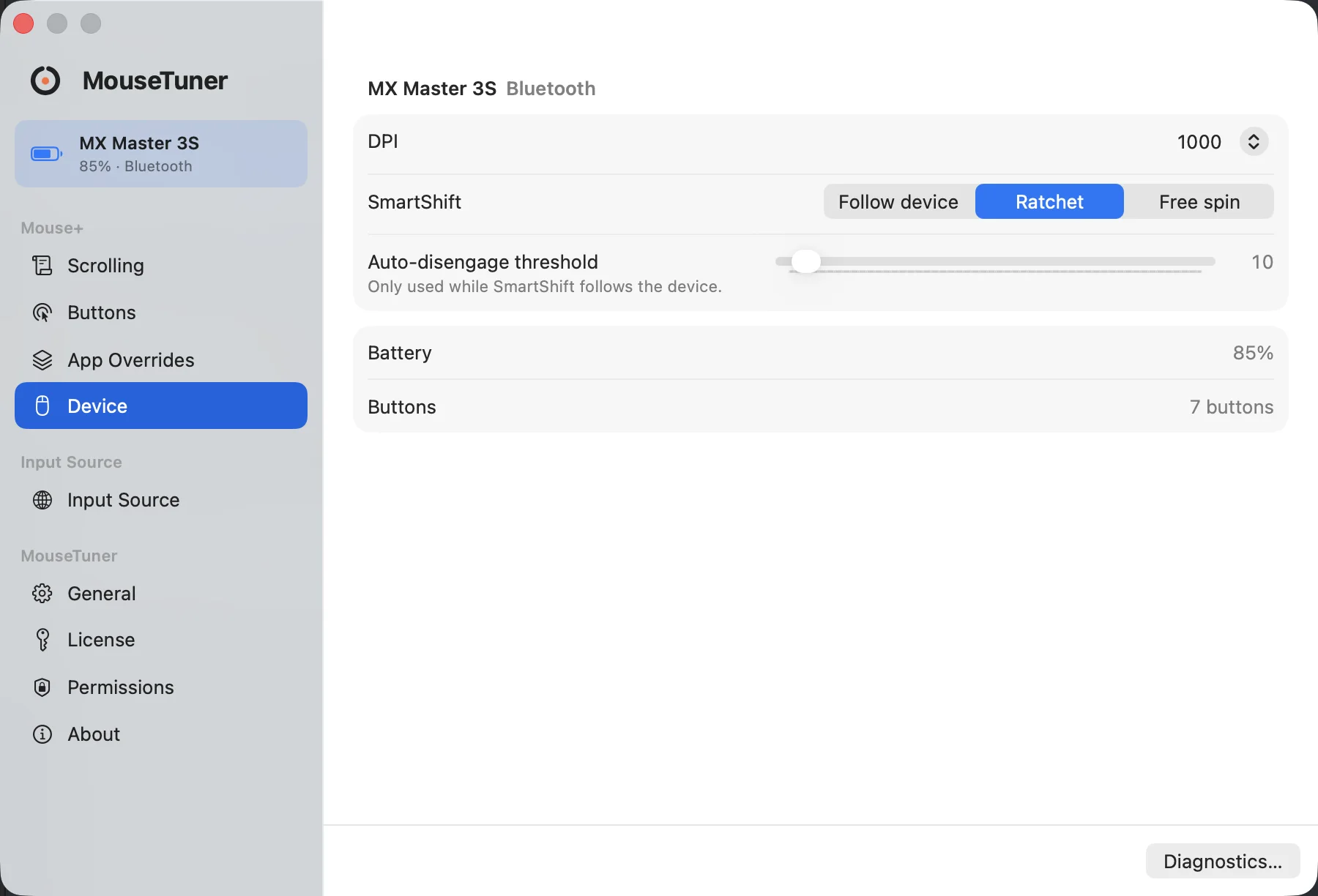
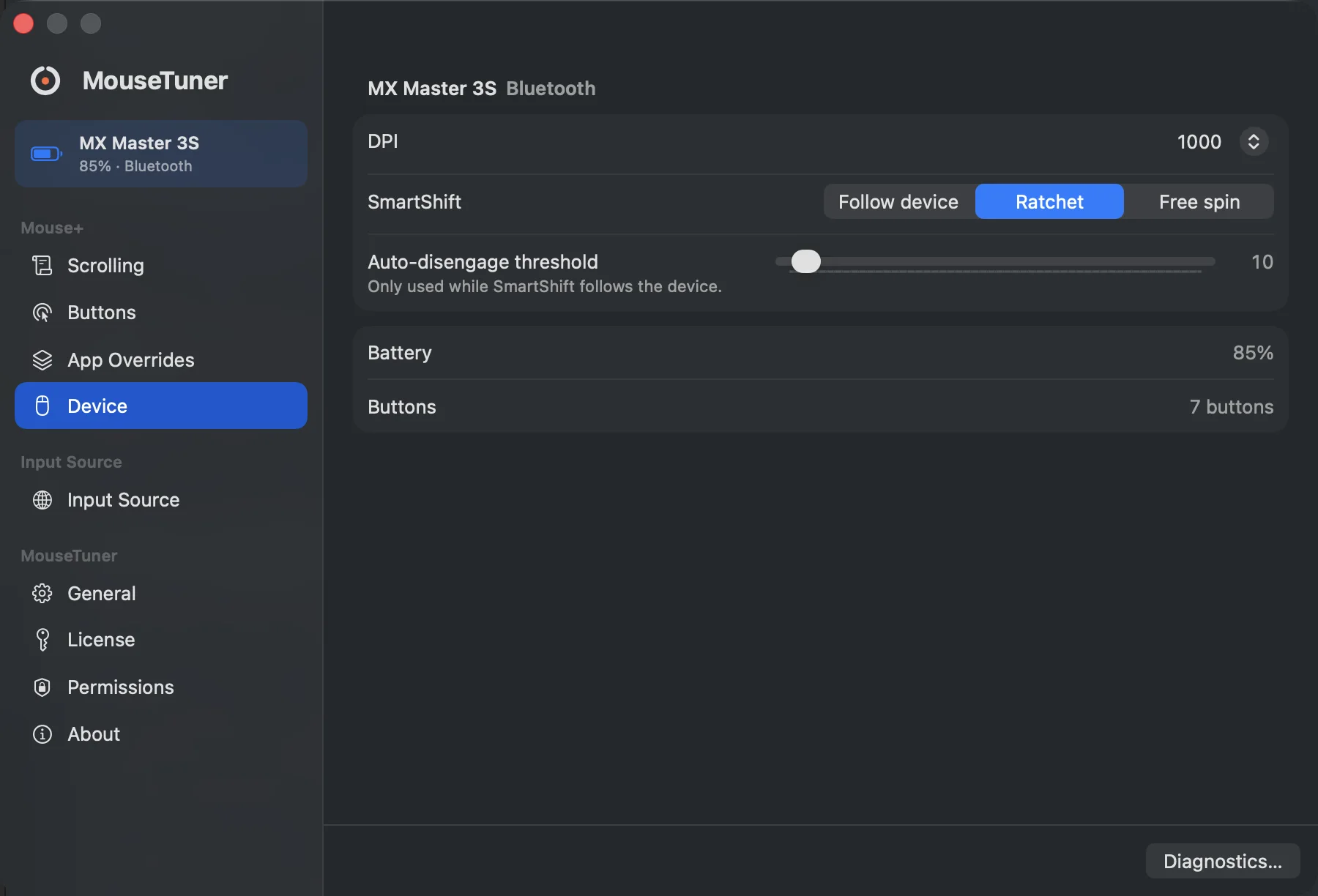
DPI, SmartShift, battery level and button count on recognized Logitech mice. No account needed.
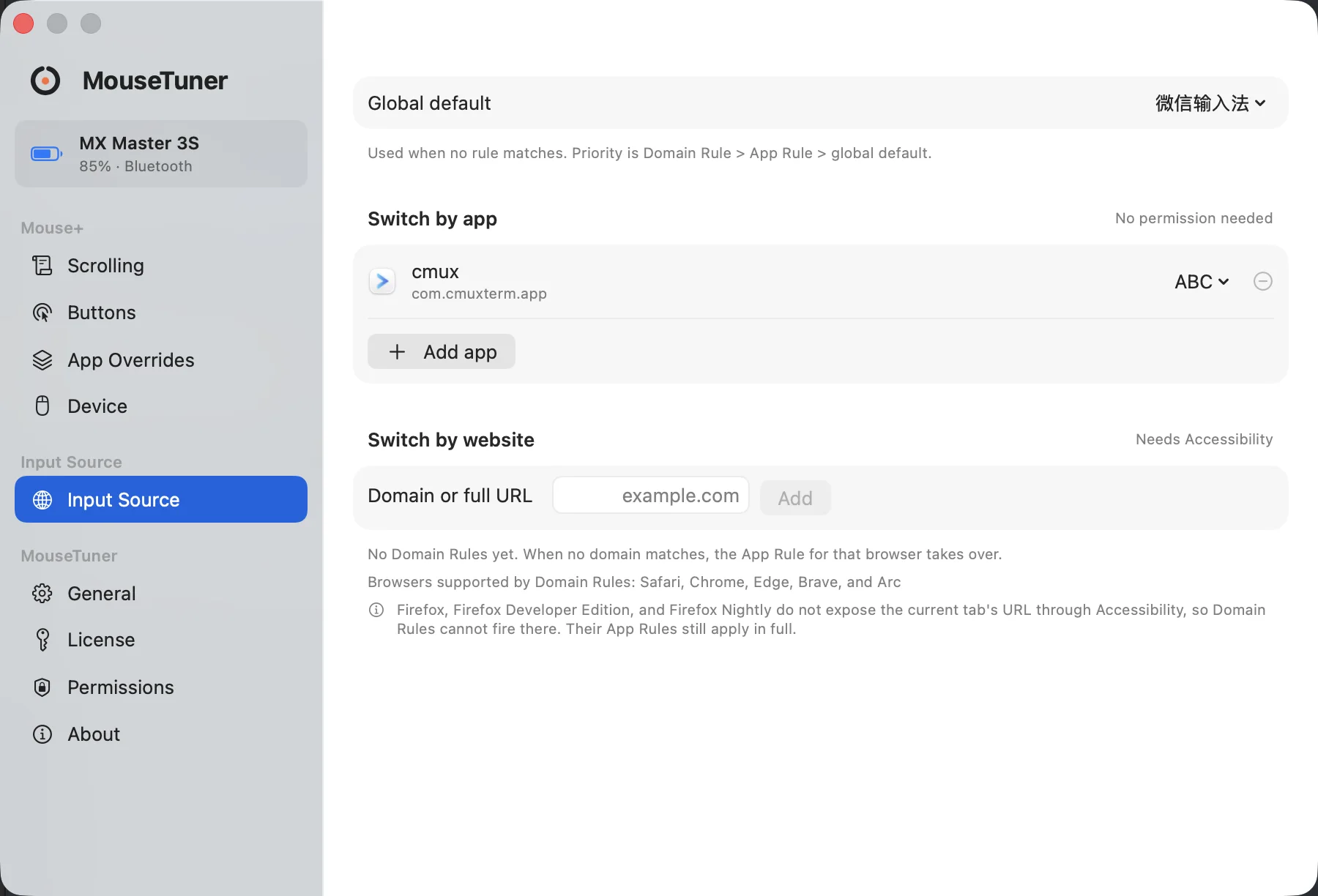
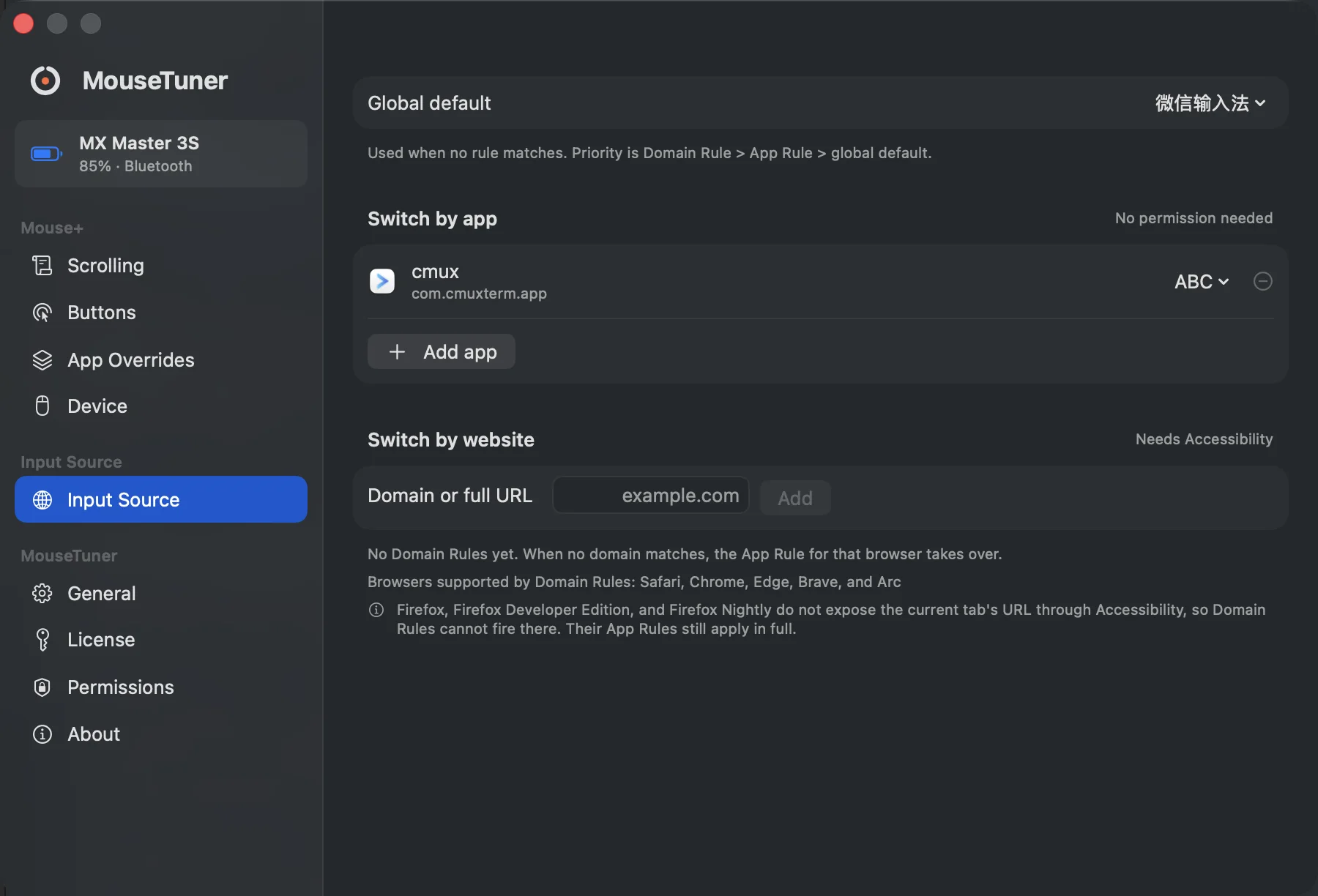
Switch input source by front app, or by the domain of the browser tab you are actually looking at.
Three things it does
Smooth Scrolling
Turns the discrete steps a scroll wheel sends into smooth, pixel-level inertial scrolling. The Scroll Curve (minimum step, velocity gain, duration, decay) is edited visually with a live preview, and can be overridden per app.
Wheel events, untouched
56 px
one jump per detent, no frames in between
Through the Standard Scroll Curve
56 px · 320 ms
most of the distance lands in the first few frames
Button Mapping
A button holds a list of Triggers, and each Trigger points at exactly one Action. Here, click sends a keyboard shortcut and long press holds a modifier down. Triggers go up to a four-way drag, a Chord, or Hold + Scroll; Actions go up to an AppleScript or a shell command. Both can be overridden per app.
Wheel Mode Button
Click
Keyboard shortcutfnSpaceLong press
Hold modifierfnHeld only while the mouse button is down.
DPI, SmartShift and battery
On a Logitech mouse MouseTuner recognizes, these settings are read and changed from the Device panel. Any other mouse still gets Smooth Scrolling and Button Mapping.
MX Master 3S Bluetooth
DPI1000SmartShiftRatchetAuto-disengage threshold10Only used while SmartShift follows the device.
Battery85%Buttons7 buttons
Hold a side button, talk, let go
Modifier Hold is the one Action with a beginning and an end. Map it to Fn and any push-to-talk dictation tool starts and stops with your thumb.
Shipping notes for this week:

Click the Wheel Mode Button to start talking, or press and hold it.fn up · 0.00 s
- Map a side button's long press to Hold modifier → Fn.
- Hold the button and speak. The tool records for exactly as long as you hold.
- Let go. The modifier is released and the button goes back to doing nothing.
Works with anything that listens for a held key: Typeless, Wispr Flow, superwhisper, macOS Dictation.
A modifier stuck in the down position is the worst thing this app could do to you, so the Buttons panel always carries a “Release Held Modifiers” button, and the engine releases on app switch, on permission loss, and on tap failure.
One less thing to switch by hand
Rules pick your input source by front app, or by the domain of the browser tab you are on. Matching falls back from the exact host to its parent domain and ignores a www. prefix. Reading a browser's URL needs Accessibility; switching by app does not.
Domain Rule — the tab you are looking at right now
gist.github.com → no rule → github.com → ABC
App Rule — the front application
not reached
Global default — everything else
not reached
Switch the frontmost app or tab. The first layer that matches decides the input source; the layers under it are never consulted.
Palms resting on the trackpad stop counting
Type on a MacBook with a mouse beside it and your palms end up on the trackpad. The Trackpad panel ignores those touches one of two ways: switch the built-in trackpad off whenever a mouse is connected, or shade bands along its edges, so a touch that lands there counts as a palm wherever it slides next.
(0.09, 0.30) · left band → palm, ignored
Landed in a band, so it is a resting palm wherever it slides. While only palms are down, their taps, clicks, scrolling and gestures are dropped.
Press on the trackpad and drag. Start inside a shaded band, then slide into the middle.
Two things it cannot stop. Without a mouse connected, the pointer still follows a palm: the only way to hold it still is to switch the built-in trackpad off, and macOS does that only while a mouse is present. And a palm plus a real finger reaches the driver as a two-finger gesture, which cannot be pulled apart.
What's different
A native Swift app
Written in Swift, ships Developer ID-signed and notarized by Apple, with a Homebrew Cask, and updates through Sparkle.
No account, no usage data
There is nothing to sign up for. The app collects no usage data and contains no analytics or advertising components.
DPI and SmartShift settings are included
DPI, SmartShift and battery level on recognized mice are there from the start. There is one version of the app, with no features held back for a paid step up.
Unmapped keys behave like MouseTuner isn't installed
That is the default. Anything without a mapping, any device without a profile, any feature without permission: the behavior stays identical to not having the app, and the interface explains why.
Wheel Mode Button
0x00C4 → Hold modifier · fn
The one button on this mouse with a mapping. Hold it and Fn stays down for exactly as long as you hold it.
$9.9 once, three machines
Thirty days of everything with no account and no card, then a one-time purchase. Fourteen days to change your mind, no questions asked.
Questions
Will it work with my mouse?
Smooth Scrolling and Button Mapping work with any mouse. DPI, SmartShift and battery level are available on the Logitech models MouseTuner recognizes, and that list keeps growing.
What about my trackpad?
Smooth Scrolling leaves it alone: trackpads and the Magic Mouse already send pixel-level events and pass straight through. The Trackpad panel is the one part of MouseTuner that acts on it, and it starts switched off. Turn it on to ignore the built-in trackpad while a mouse is connected, or to ignore touches that land along its edges.
What happens when the trial ends?
Scroll Curve customization, Button Mapping and trackpad edges turn off. The app keeps running, and the mouse behaves the way it does without MouseTuner.
Try it for 30 days, no account required
Full features, no sign-up, no credit card. If it's not for you, it's a refund within 14 days of buying, no questions asked.
Download MouseTuner